CCC Calibration Guidelines Partner
Turn CCC Estimates Into Insurance-Approved ADAS Revenue
The only CCC calibration partner built to identify, document, and bill for ADAS work in one workflow.
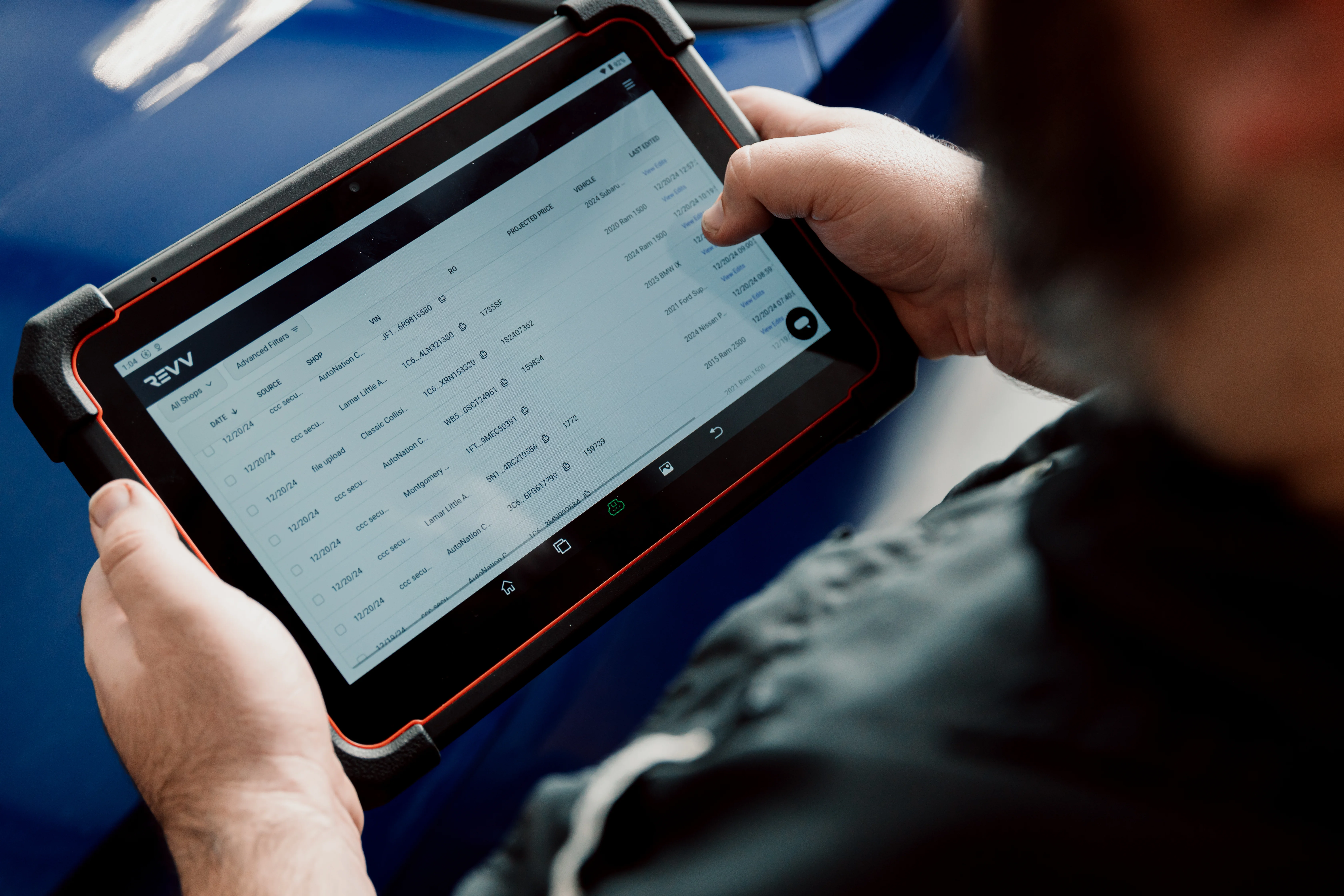
Connect Revv directly to CCC ONE and eliminate manual calibration documentation. Automatically identify required calibrations and write calibration operations back into the CCC estimate, in the most insurance-friendly format.
Connect Revv directly to CCC ONE and eliminate manual calibration documentation. Automatically identify required calibrations and write calibration operations back into the CCC estimate, in the most insurance-friendly format.
Why CCC Shops Choose Revv
Keep estimates and calibrations Connected
Estimates flow directly from CCC into Revv, while calibration recommendations and documentation flow back into the estimate. No jumping between systems.

Get Calibrations Into the Initial Estimate
Write calibration operations directly into your estimate in CCC so they're included earlier in the claims process. Build estimates that reflect how you bill from the start and reduce missed revenue, manual edits, and insurer back-and-forth. Revv helps you build estimates that match your business rules, not generic defaults.
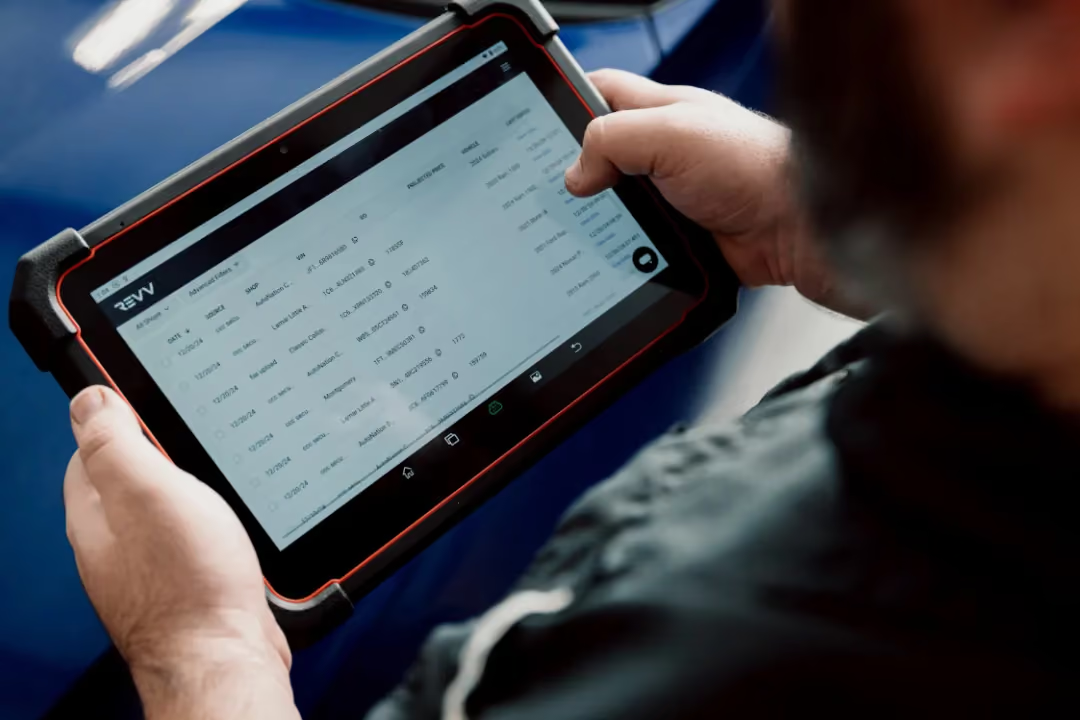
Document Every Repair with Confidence
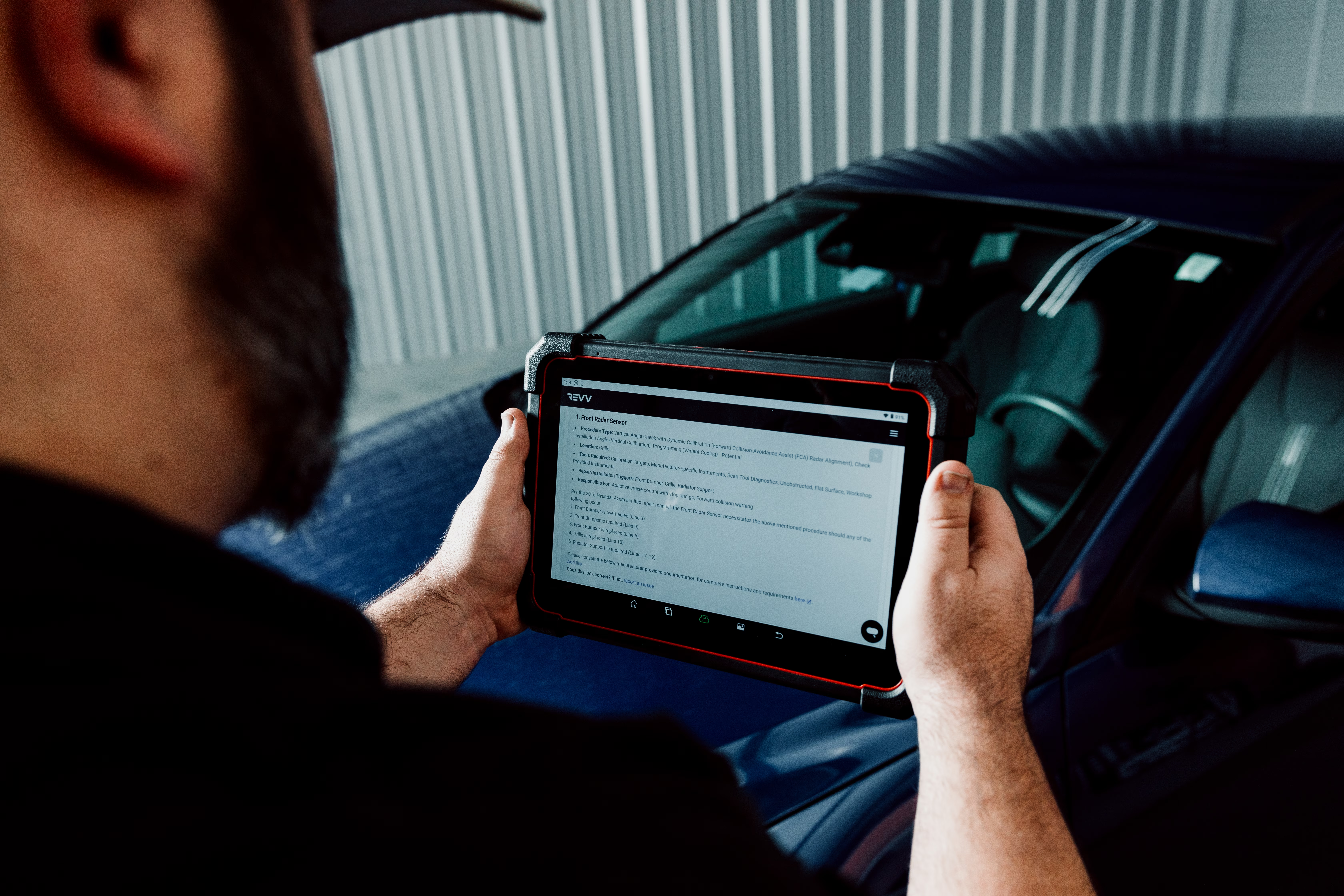
Access RepairLogic and ALLDATA documentation, VIN-specific calibration requirements, scan results, and supporting evidence in one place to support every repair decision.
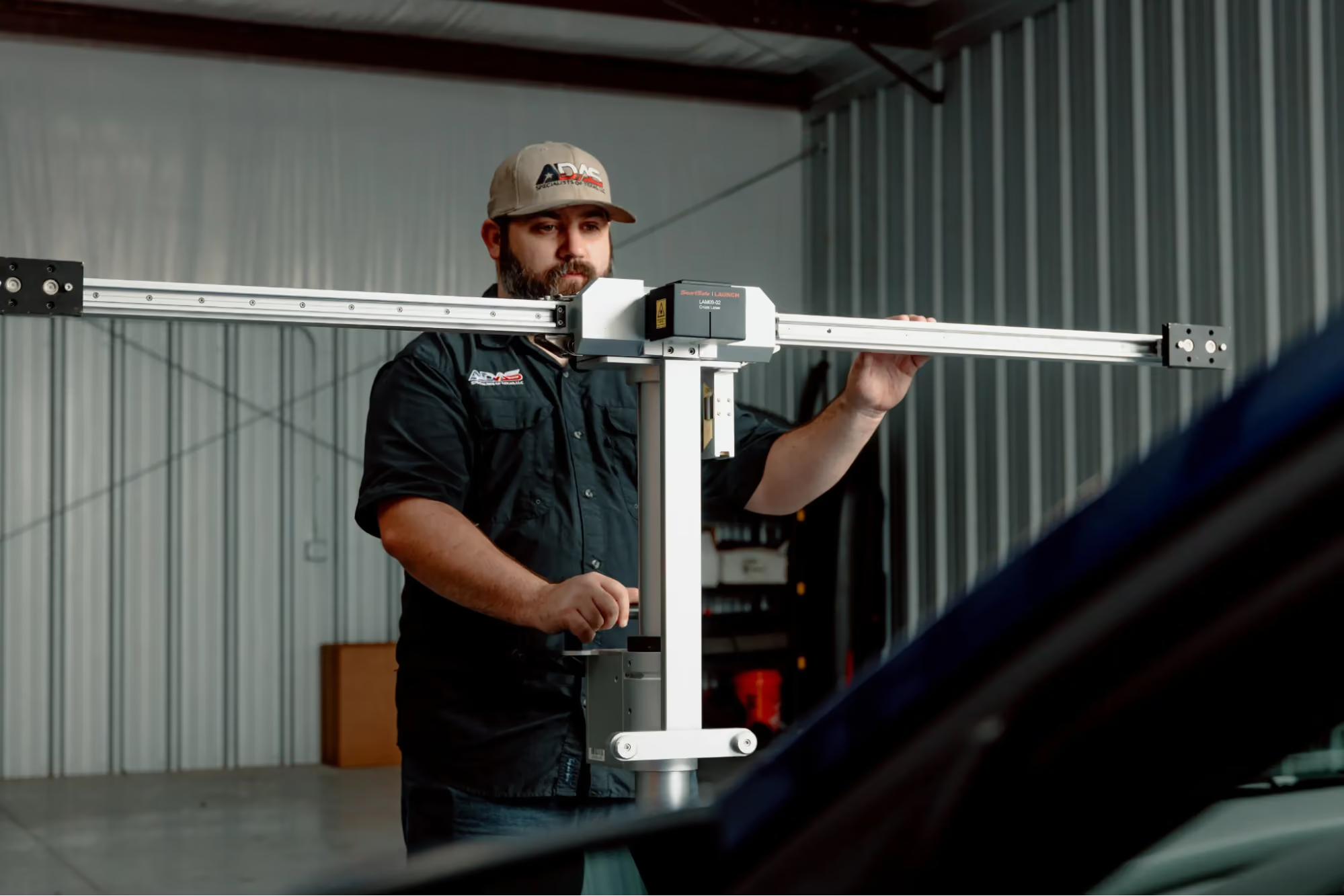
Already using Revv? Take the next step with Identify+
Talk to our team

We're getting far less pushback from insurance now [using Revv], the documentation is so detailed, and it properly comes up as mandatory on most of the requirements.
Read the story
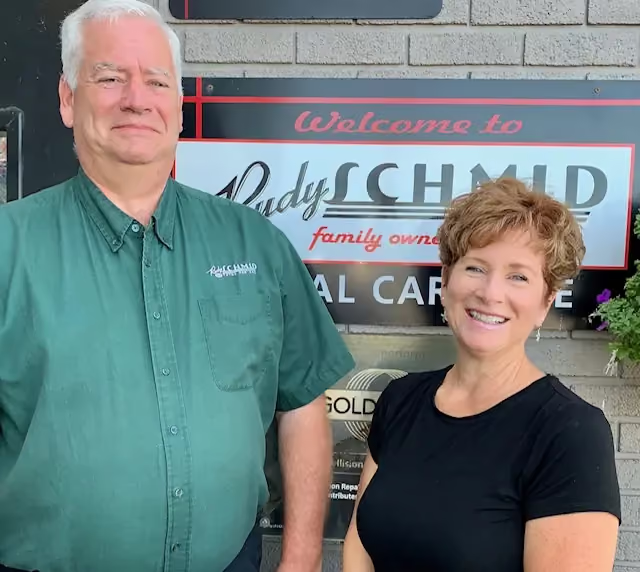
PJ Schmid
Owner, Rudy Schmid Total Car Care
Built for the growing ADAS workload in modern service departments
30%
reduction in calibration documentation time
Calibrations written directly into CCC estimates
90%
fewer manual-entry errors

Less Back-and-Forth. Faster Calibration Approvals
As Lakeshore Diagnostic & Calibrations expanded to serve 15 collision shops, manual estimate review and documentation became a bottleneck. Using Revv and CCC 2-Way Integration helped streamline estimate workflows, reduce manual coordination, and provide OEM-backed documentation that supports faster approvals.
- 2-minute calibration identification process
- OEM documentation attached to every recommendation
- Calibration operations flow more efficiently into shop estimating workflows
- Significantly reduced manual communication between shops and calibrators
Why Shops Choose Revv Over Basic Calibration Identification Tools
Proof Behind Every Recommendation
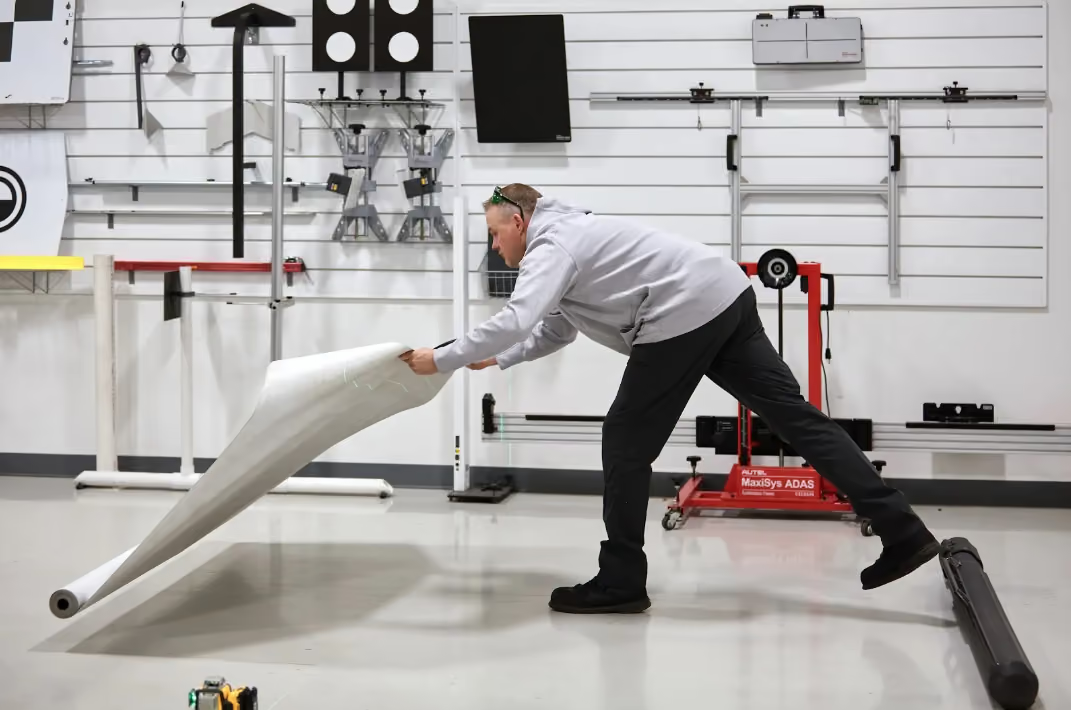
Anyone can flag a calibration. Revv helps prove why it's required. Access supporting documentation from RepairLogic and ALLDATA alongside calibration recommendations, giving advisors and technicians the evidence needed to support repair decisions and reduce pushback.
Turn Recommendations Into Approved Work
Most tools stop after identifying calibrations. Revv helps get them into the estimate. With CCC 2-Way Integration, calibration operations and supporting documentation flow directly into CCC, helping shops capture revenue earlier and reduce manual work.

Build-Level Accuracy
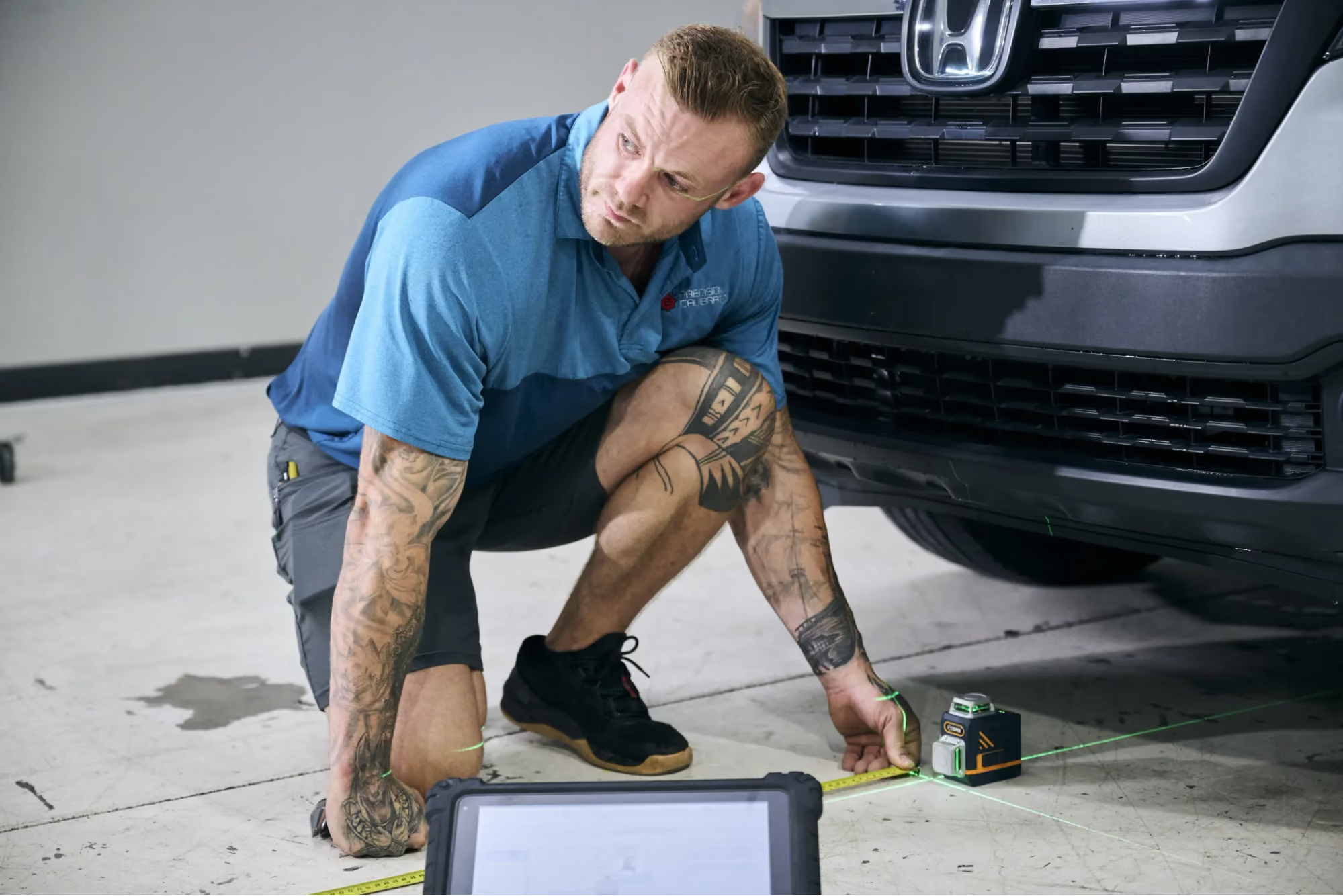
Not all calibration recommendations are created equal. Revv combines VIN-specific vehicle information with estimate data, scan results, OEM procedures, and supporting documentation to help shops make more informed calibration decisions. When revenue and liability are on the line, that difference matters.
Connecting Revv to CCC Takes Just a Few Minutes
Identify+ unlocks Revv's CCC 2-Way Integration, calibration identification, documentation integrations, and connected workflow features.
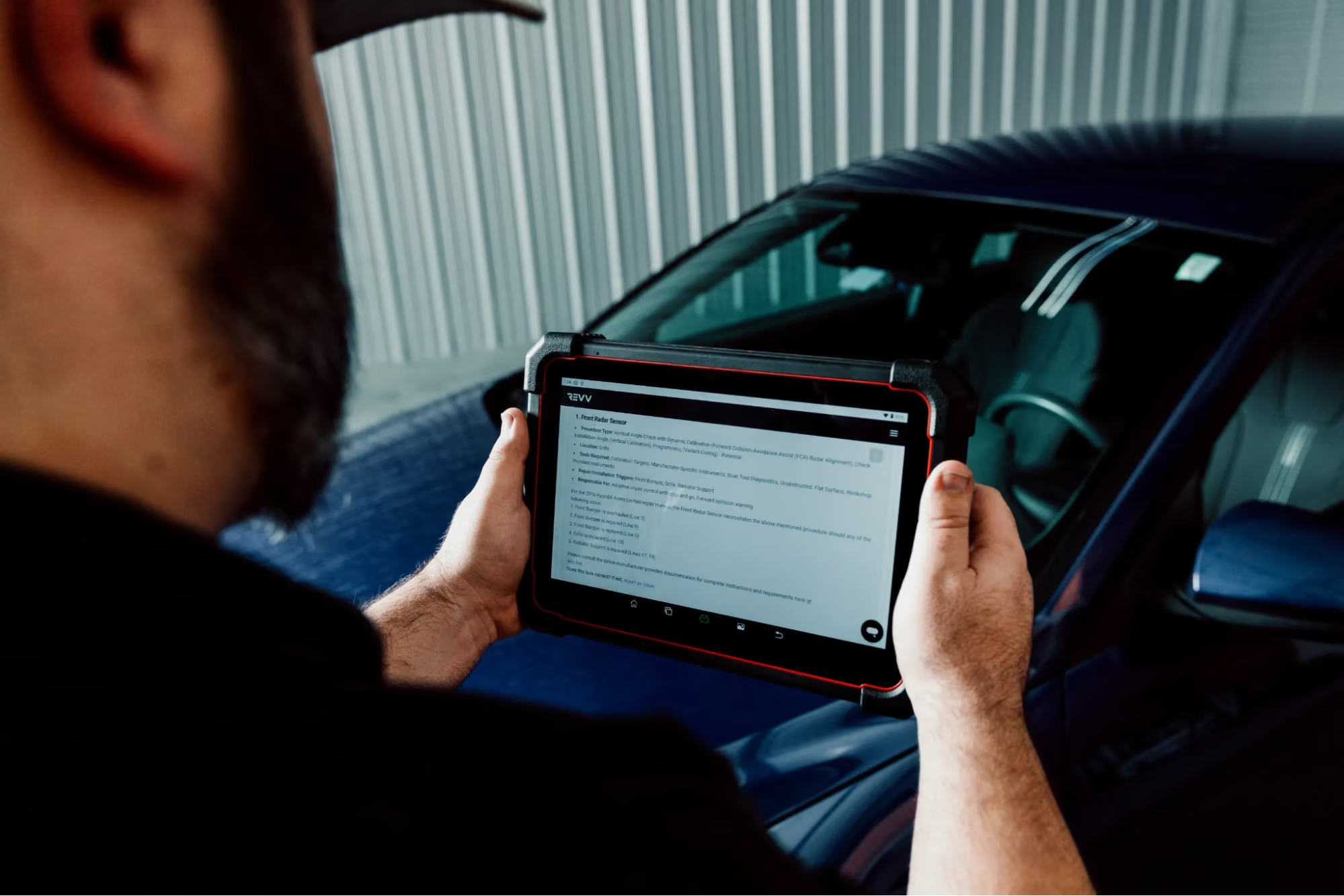
Once Identify+ is enabled, connect Revv to your CCC account from your Revv settings and activate the CCC integration.

Estimates flow into Revv automatically, and calibration recommendations and documentation can be pushed back into CCC to help streamline approvals and capture more revenue.
Explore More Features